Authentication And Authorization
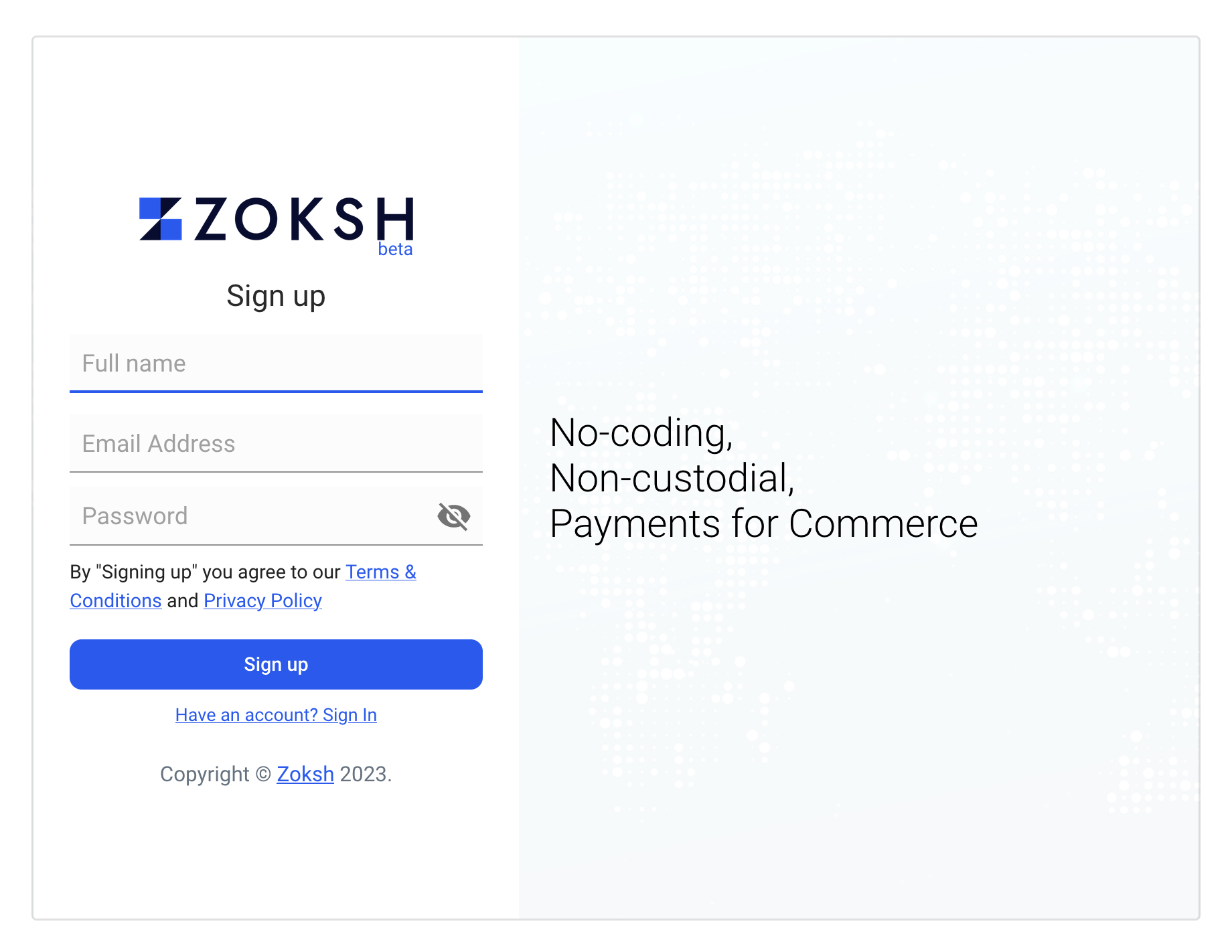
Signup
Signup to create your merchant account on Zoksh.
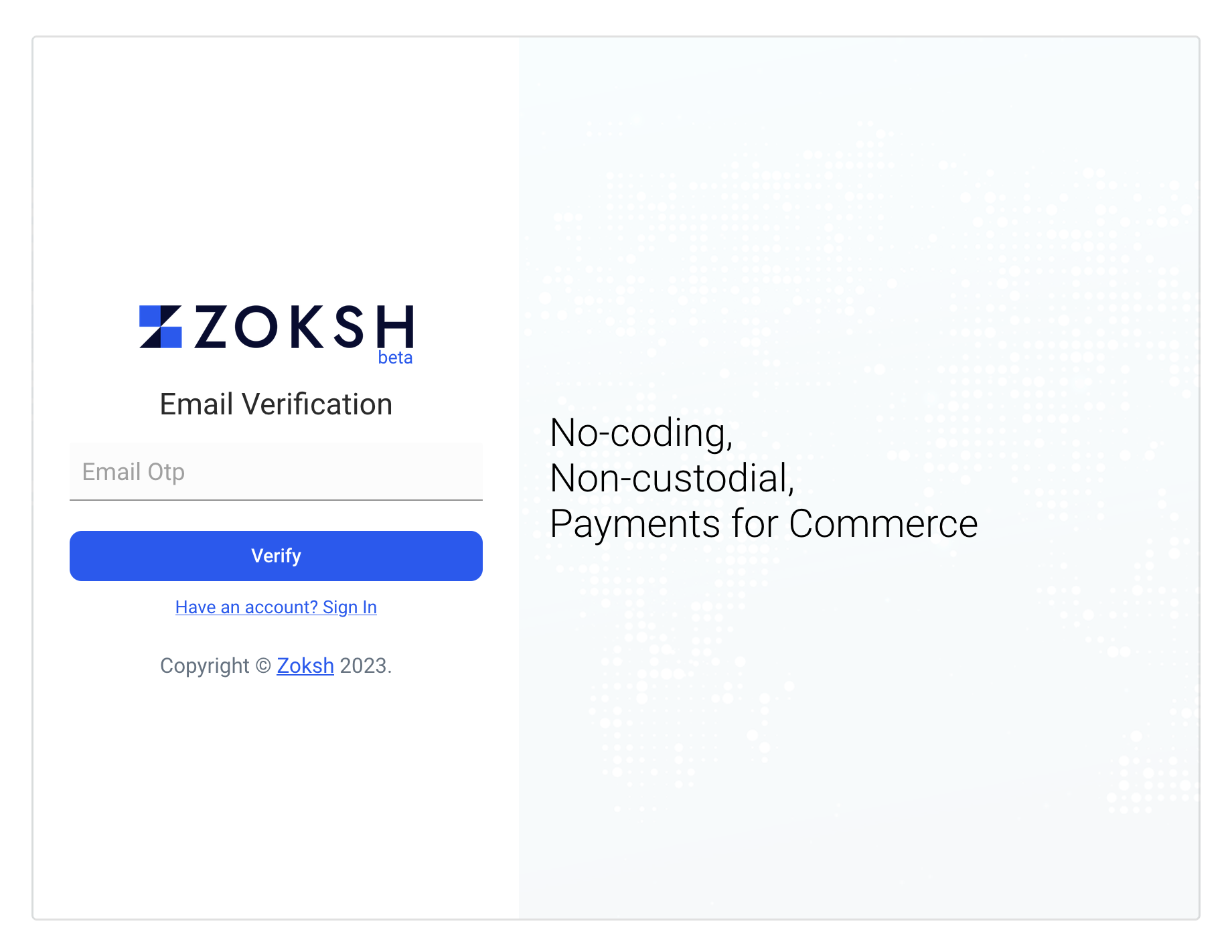
Email OTP Verification
An email will be sent to the email with One Time Password (OTP). Use it to verify your email address.
Email Verified
Your email gets verified once you add the OTP sent to your email address in the verification form. After successful verification, you'll be redirected to the dashboard.
Network setup
You can select the network and tokens that you want to accept payments in after first signup. You can always go to
Dashboard -> Settings -> Networks to update these settings in the future.
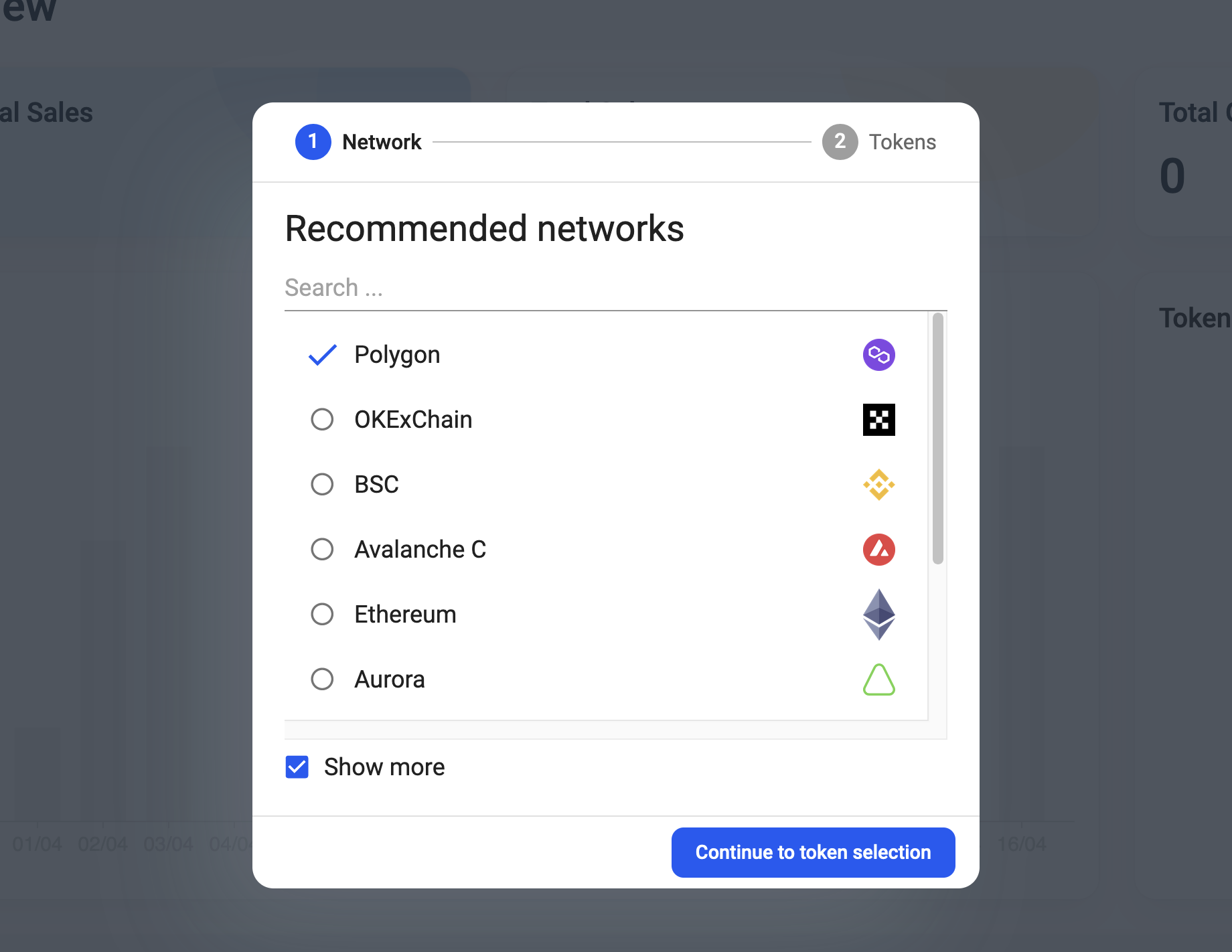
Network selection
List of all available networks will be shown for easy access. You can search your preferred network for the search option available above the networks list if required.
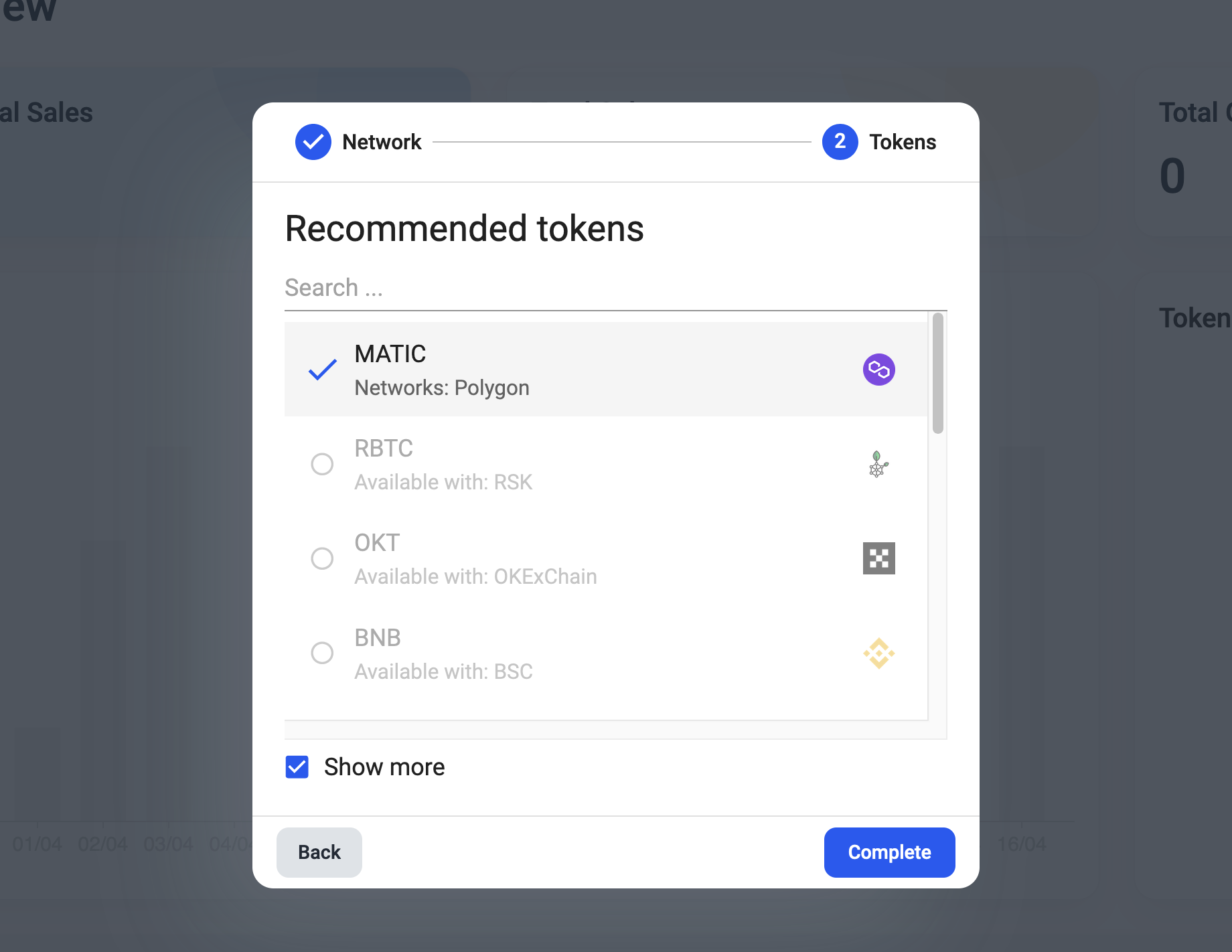
Token selection
After you have picked the networks that you want to connect to, you can choose the tokens you want to accept payment on those networks. You'll also be able to quickly browse through Stable, most popular coins from the list.
Walkthrough
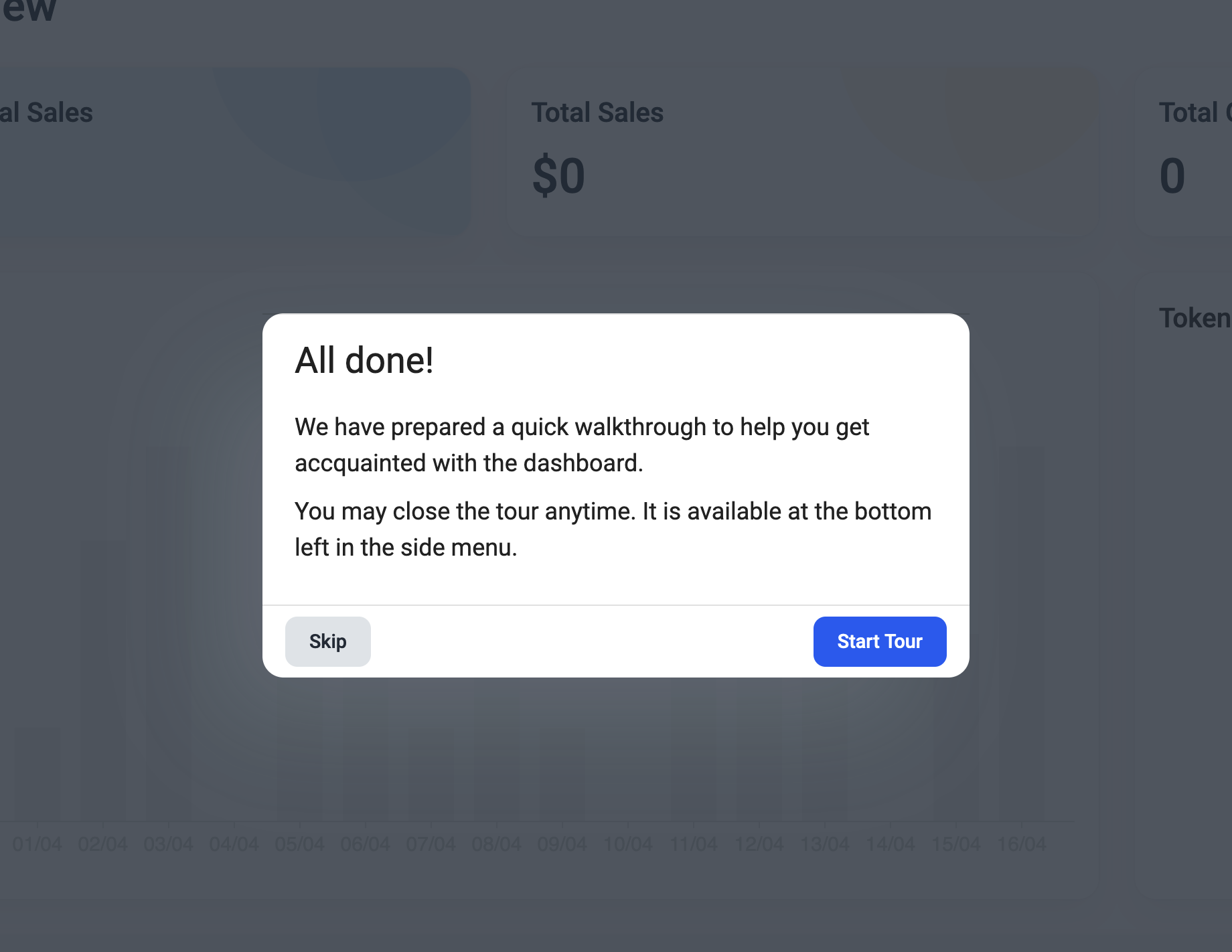
We have prepared a small walkthrough to help you familiarize with various features available to you. You can always replay the Tour from Left side panel if you decide to skip it at this stage.
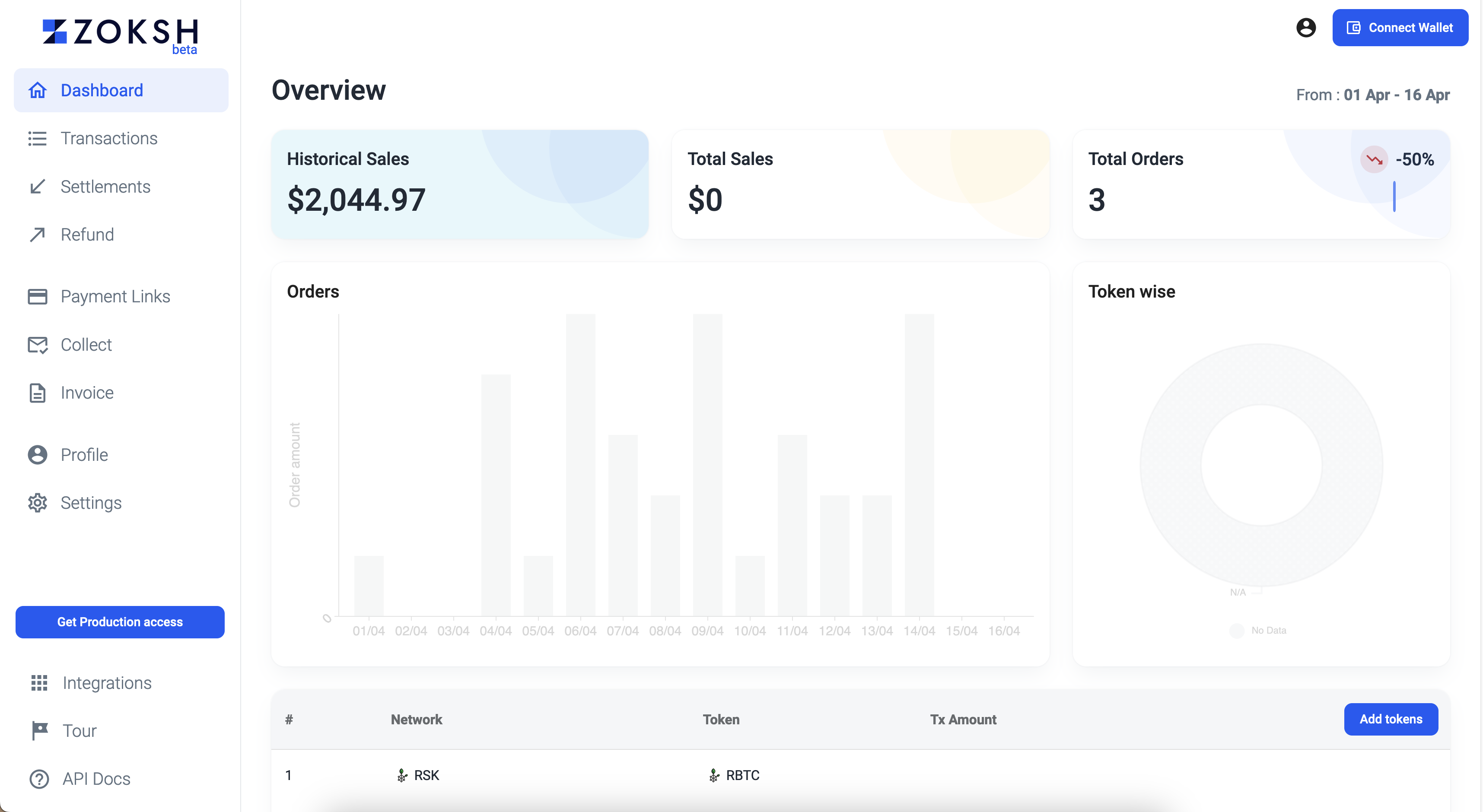
Dashboard
After completion of all the steps, Welcome to Zoksh!